




Discover
Reduce Misconfiguration Risk
- Core Platform Features
- Impact Analysis & Dependency Mapping
- Change Tracking & Enhanced Audit Trail
Product Features
.webp)
Data Dictionary
AI-Powered Salesforce Data Documentation

Impact Analysis and Dependency Mapping
Seamless visibility into all references across your organization.
.webp)
Change Tracking & Enhanced Audit Trail
Use a timeline view to track changes made across teams.
.webp)
Data Classification
Ensure compliance with capture for every field added.
.webp)
Application Security Monitoring
Keep a pulse on every integration and user.
.webp)
API Monitoring & System Uptime
Seamlessly detect every integration outage.
.webp)
Threat Detection & Risk Mitigation
Visual threat-detection and suggested action plans.
We Help You

Scope Salesforce Projects Confidently
Understand impacts across Salesforce and your integrated tech stack.

Eliminate Tech Debt with AI
Insights into every piece of data and configuration.

Monitor Setup Audit Trail
Automated access audits with Arovy.

Reduce Agentforce Risk with AI
Ensure the accuracy and usefulness of AI models.

Automate User Profile Management
Protect data and stay compliant with user access policies.

Optimize Shield Implementation
Visualize Salesforce activity to spot anomalies and prevent leaks.

Visualize Connected Apps
Get real-time visibility into apps accessing your Salesforce data.

Stop Salesforce Phishing Attacks
Block unauthorized Salesforce integrations without disrupting your business.
Latest Resources
.png)
Webinar | Salesforce Metadata Context as a Strategic Asset
Get an inside look at how Florence Healthcare transformed their Salesforce environment from a complex black box into a streamlined strategic asset.
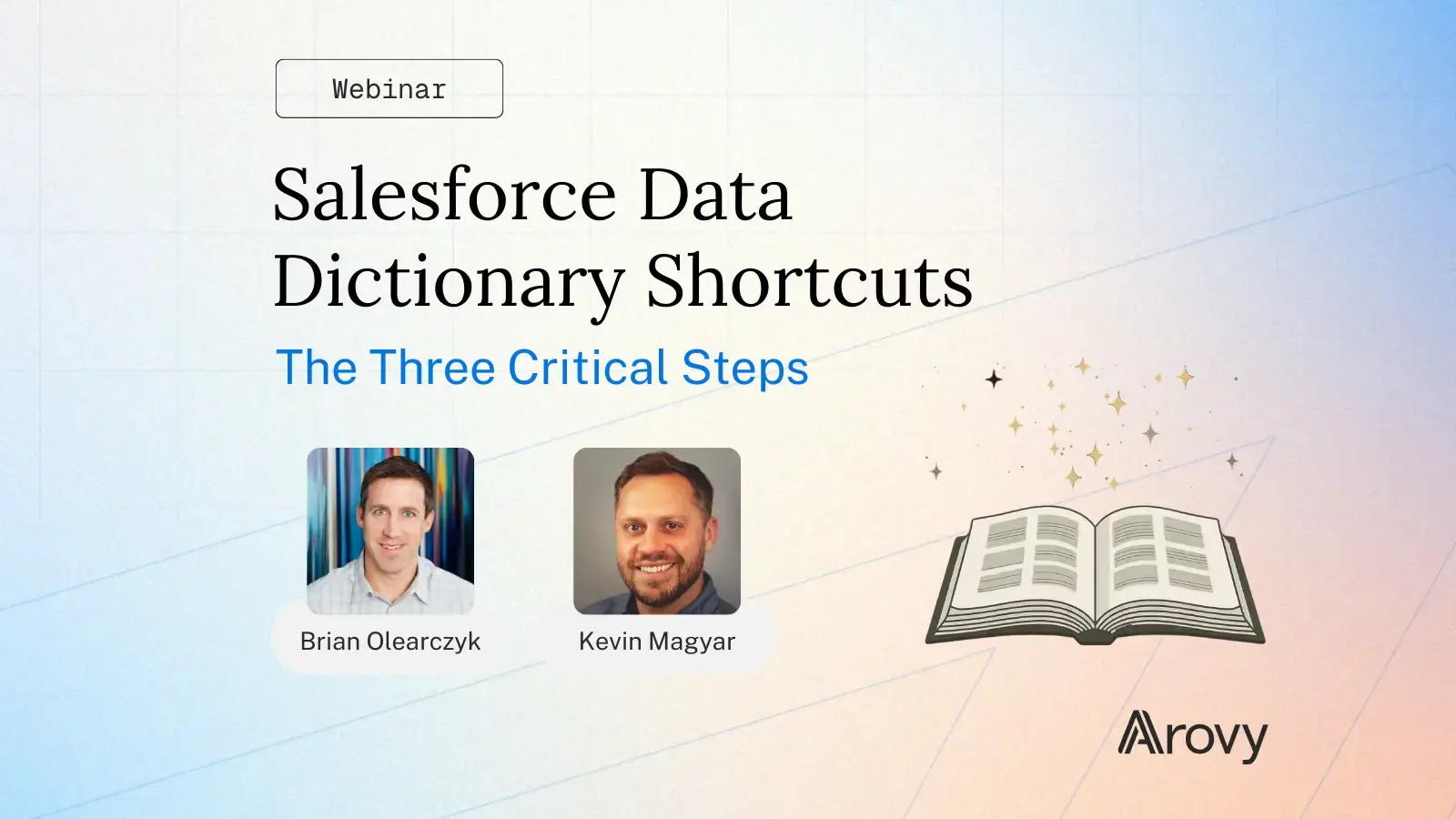
Webinar Recording | Salesforce Data Dictionary Shortcuts
Most Salesforce teams know they need a data dictionary, yet very few successfully deploy one. We’ll break down the three proven “shortcuts” used by best-in-class Salesforce organizations.
More From Arovy

Company Page
Learn about Arovy.
.webp)
Security/Compliance
A foundation of trust for every customer.

Community
Join the WizOps Community.
Recent Resources
Sonar is now Arovy! New Name. Bigger Mission. Same Commitment.
Sonar is now Arovy. We've expanded our mission, helping Salesforce teams govern data, cut tech debt & reduce risk — while keeping the same trusted commitment.

The Power of a Data Dictionary in the Agentforce Era
Discover why a real-time data dictionary is essential for Salesforce teams in the Agentforce era. Prevent AI risks, ensure compliance, and optimize data governance.


Change Tracking & Enhanced Audit Trail
It’s crucial to have full visibility into changes made across different teams within your organization, regardless of when they occurred. Reverse-engineer any issue using a timeline view for change management.
.webp)
.webp)












Trusted by 250+ leading Salesforce customers
Proactively monitor every change across Salesforce with notifications so you’re never caught off guard by unexpected modifications.

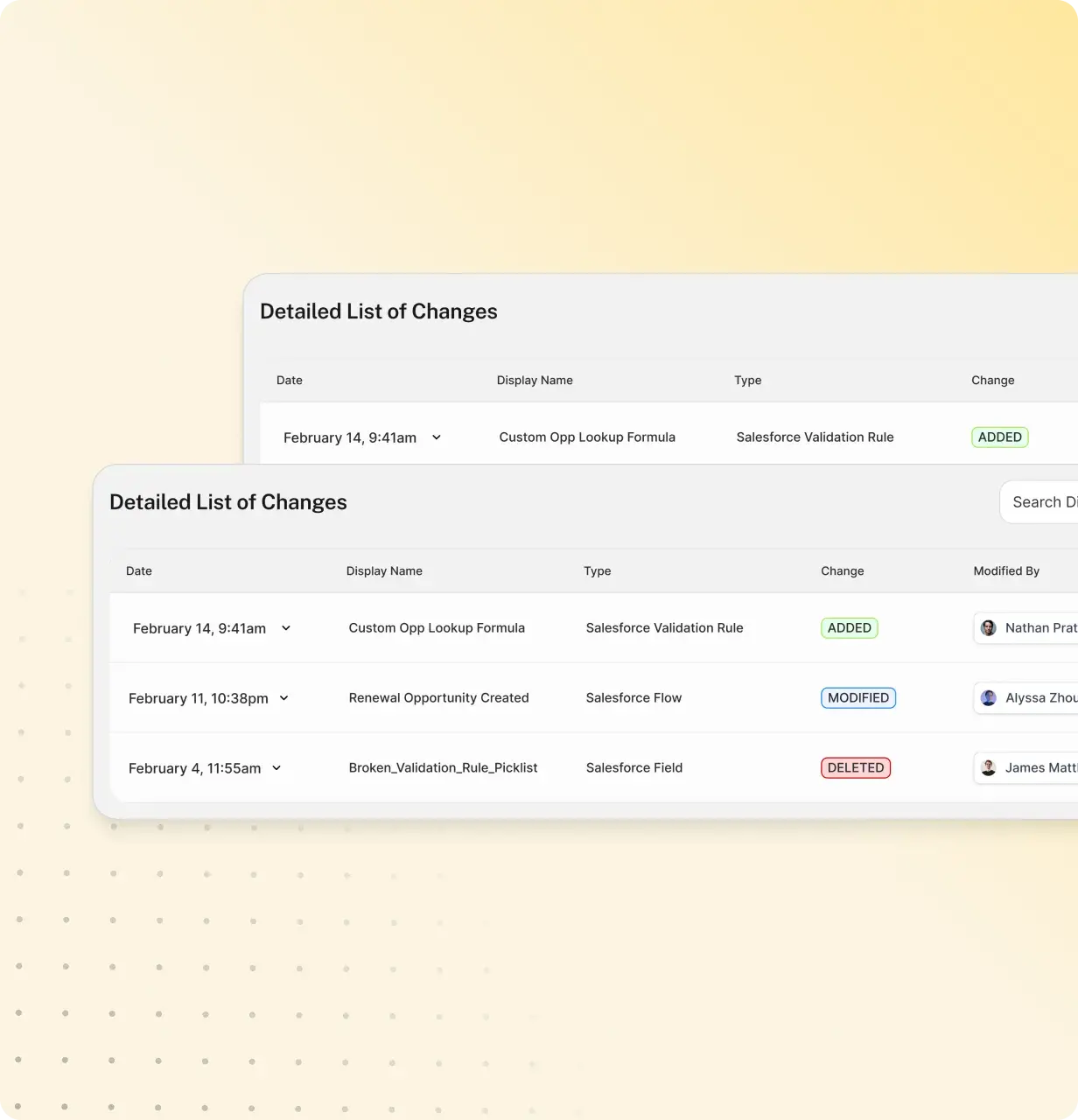

Intuitive change tracking and alerts.

From the biggest to smallest changes, never lose visibility.

Stay aware of downstream impacts.
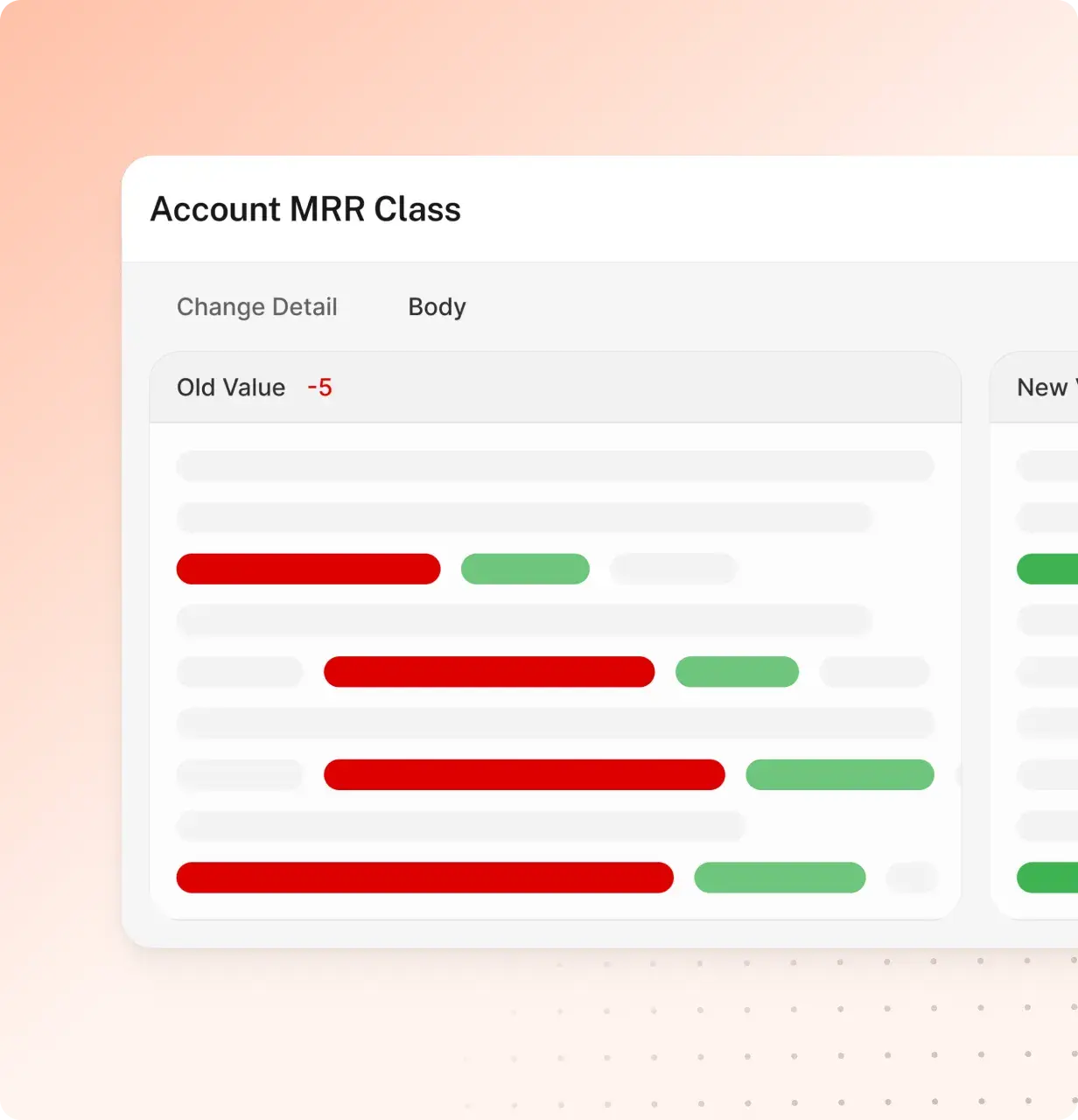

Build a complete picture of change through documented timeline history.

Instantly identify every detail of a change for full accountability.

Easily identify misconfigurations and quickly recover.
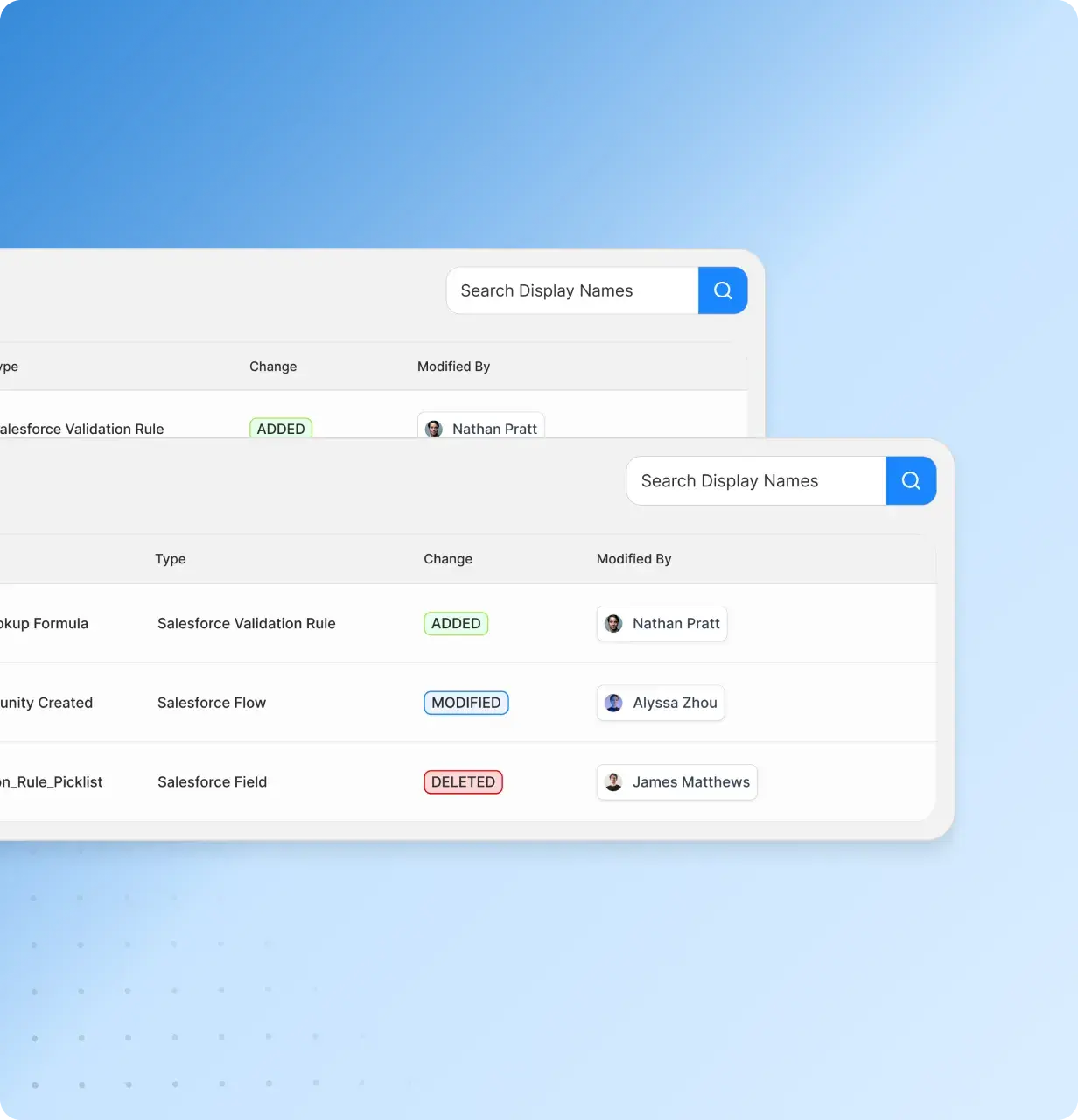

Receive daily and weekly summaries of changes to stay on the same page with other stakeholders.

Easily roll back unwanted changes, incorrect configurations, and security policy updates.

Identify the root causes of disruptions with rapid investigation tools.




IT, Business Systems, and Enterprise Applications teams can accelerate Salesforce initiatives while mitigating risk.

Your GTM Ops and Admin teams can effectively manage Salesforce with full peace of mind through easy configuration and proactive alerts.

Arovy provides full security confidence through detailed logs and real-time information to identify breaches when they occur.

State-of-the-art Salesforce Security and Operations offerings, no matter your team’s size.
Reduce Misconfiguration Risk

Establish Enhanced Salesforce Governance

The Premier Security Option
Comprehensive Salesforce Security, Governance, & Risk Platform